Emergency Notice
Content Type Details
- ID: 127
- Name: Emergency Notice
- Description: Create an Emergency Alert. To be used for temporary urgent alerts. Add to section Home » Emergency Notices
- Minimum user level: Administrator
- Use with Page Layouts: N/A
Content Type Elements Details
| Name | Description | Size | Type | Required | Conditionally Shown |
|---|---|---|---|---|---|
| Name | The Name element | 80 Characters | Plain Text | Yes | No |
| Title | Add a title | 300 Characters | Plain Text | Yes | No |
| Description | Add a description for the alert | 4000 Characters | HTML | Yes | No |
| Notice Type | Select the type of notice Choose from options: Emergency, Notice, Warning | N/A | Select Box (List: Site Wide Notice Types) | Yes | No |
Examples
Where an Emergency Notice is required, add content to section Home > Emergency Notices using the Emergency Notice Content Type. This allows the user to enter a Title, Description, and the type of notice (Emergency, Warning, Notice), which will change the color of the notice e.g., Emergency orange, Warning yellow, Notice light blue. Emergency notices cannot be dismissed.
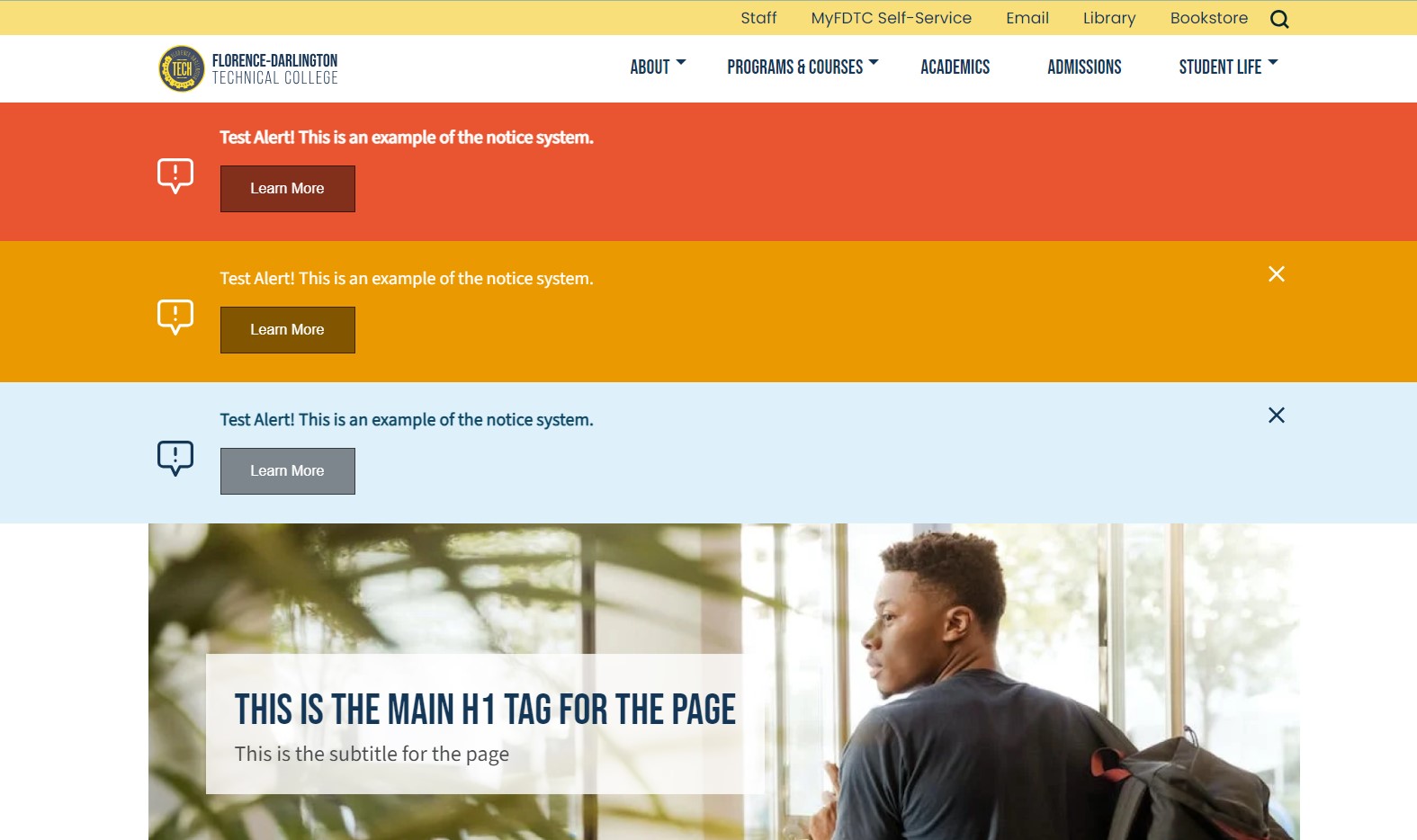
The Instant Publish Listener is configured at System Administration > System settings > Preview & publish to automatically publish pages that use the Emergency Notice Content Type. This means that when a notice is added, the section will automatically publish, and the alert will appear on all pages of the website – no separate publish action is required.
Use the Emergency Notice when an message needs to be displayed across the whole site quickly for a short period of time. For longer term, less urgent messages use the Site Wide Notice content type.