Page Designs
Header

The HTML code for the Header is pulled in from the Section Home » Site Assets » Header. The code is added using the Code content type. The Header includes:
- The Site Name and Logo from the Site Config
- Mega Menu Panels
- Links at the top of the header (starting Staff in the screenshot) are link sections added to section Home » Site Assets » Header » Top Links. There are steps on how create a link section available in the T4 documentation.
Footer
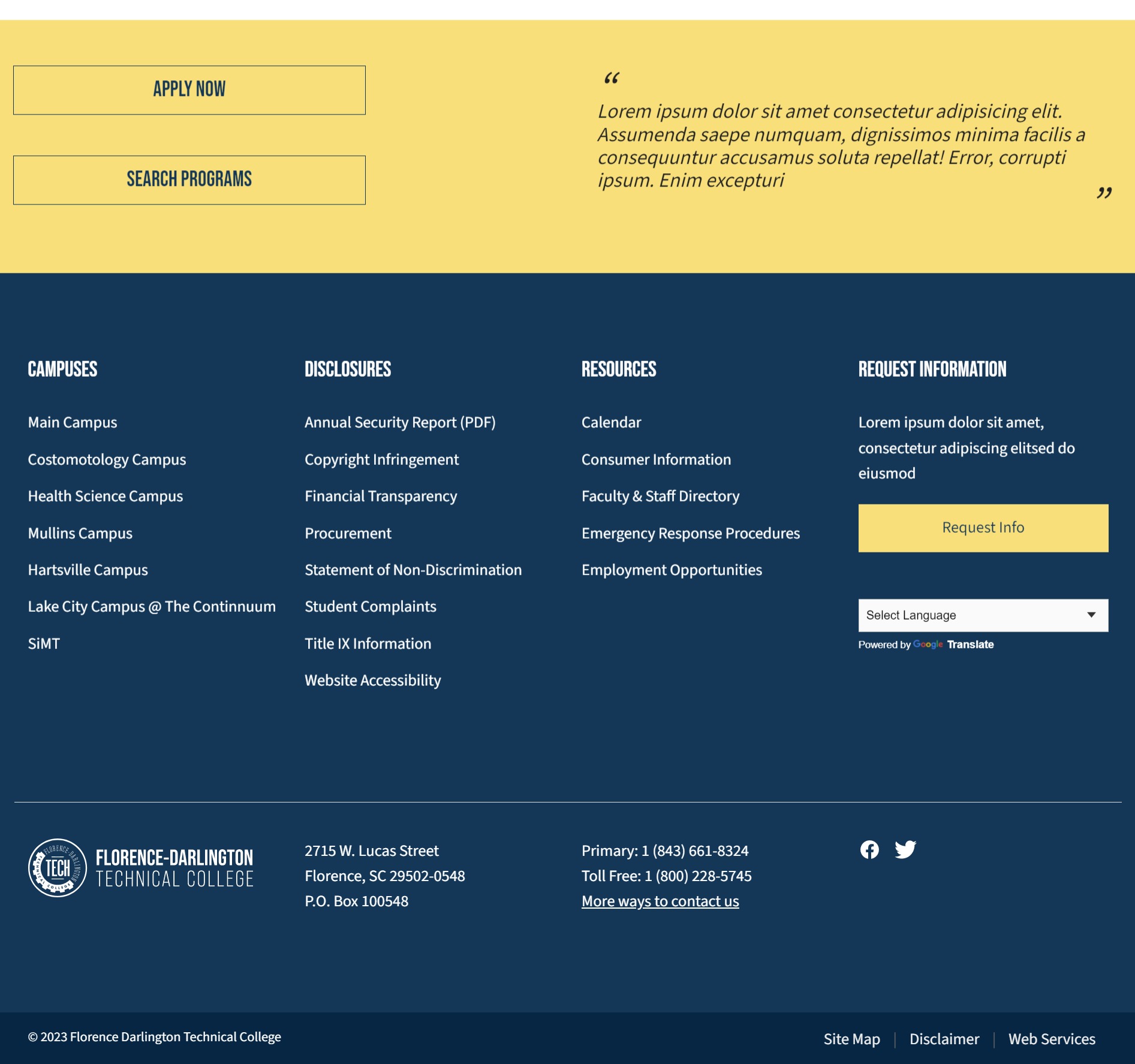
The footer is made up of:
- Footer Banner
- Footer
- Links at the end of the footer (starting Site Map in the screenshot) are link sections added to section Home » Site Assets » Footer » Bottom Links. There are steps on how create a link section available in the T4 documentation.
Analytics and other Scripts
Custom Scripts for analytics and other tools/platforms can be added to every page on the site using the Code content type to the following locations:
- In <head> section, under section Home » Site Assets » Scripts - Head
- After opening <body> tag, under Home » Site Assets » Scripts - Body - Start
- Before closing </body> tag, under Home » Site Assets » Scripts - Body - End